
Connections
A connection is a signed-in account or a set of saved credentials: your Xero organisation, a QuickBooks company, a Google, Microsoft or Airtable account, a PostgreSQL or other database login, an SFTP server. Data sources reuse a connection and only choose what to read, so a password is entered once, in one place. Connections are in Data → Connections; this is the only place where connected systems are managed (Settings has no separate list).
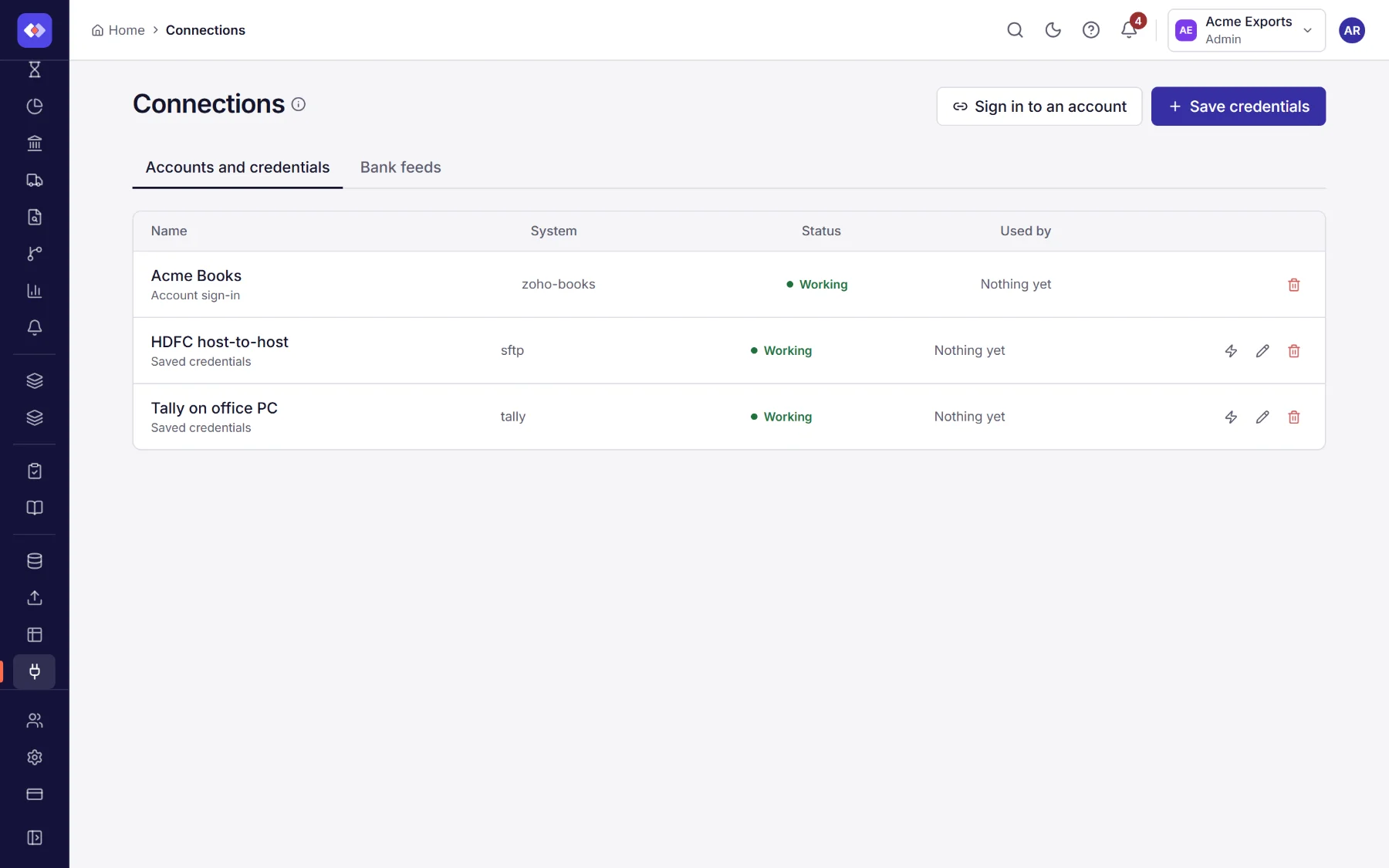
Adding a connection
Section titled “Adding a connection”- Sign in to an account for Xero, QuickBooks Online, Zoho Books, Google (Drive and Sheets), Microsoft (OneDrive and SharePoint) or Airtable. Choose where to sign in; the provider’s own sign-in page opens, and you return to RefinePoint when it is done.
- Save credentials for a database (PostgreSQL, MySQL, SQL Server), warehouse, SFTP or FTP server: give the connection a name (for example Finance warehouse) and enter the host, user and password or key.
If you signed in to the Airtable extension, its Airtable account is already listed here.
Test checks a connection still works; Edit changes its name or settings. Secrets are shown masked and are kept unless you type new ones.
Bank feeds
Section titled “Bank feeds”The Bank feeds tab on this page connects banks and lists them with their last sync, when access ends and a Renew consent button. See Bank feeds for the options in each country, including India’s Account Aggregator network and files from any bank.
When a connection stops working
Section titled “When a connection stops working”A signed-in account can be disconnected on the provider’s side, a password can change, a key can expire. The connection is then marked needs attention, and the data sources using it cannot refresh. Sign in again or update the credentials, then use Test.